Make every session
interactive.
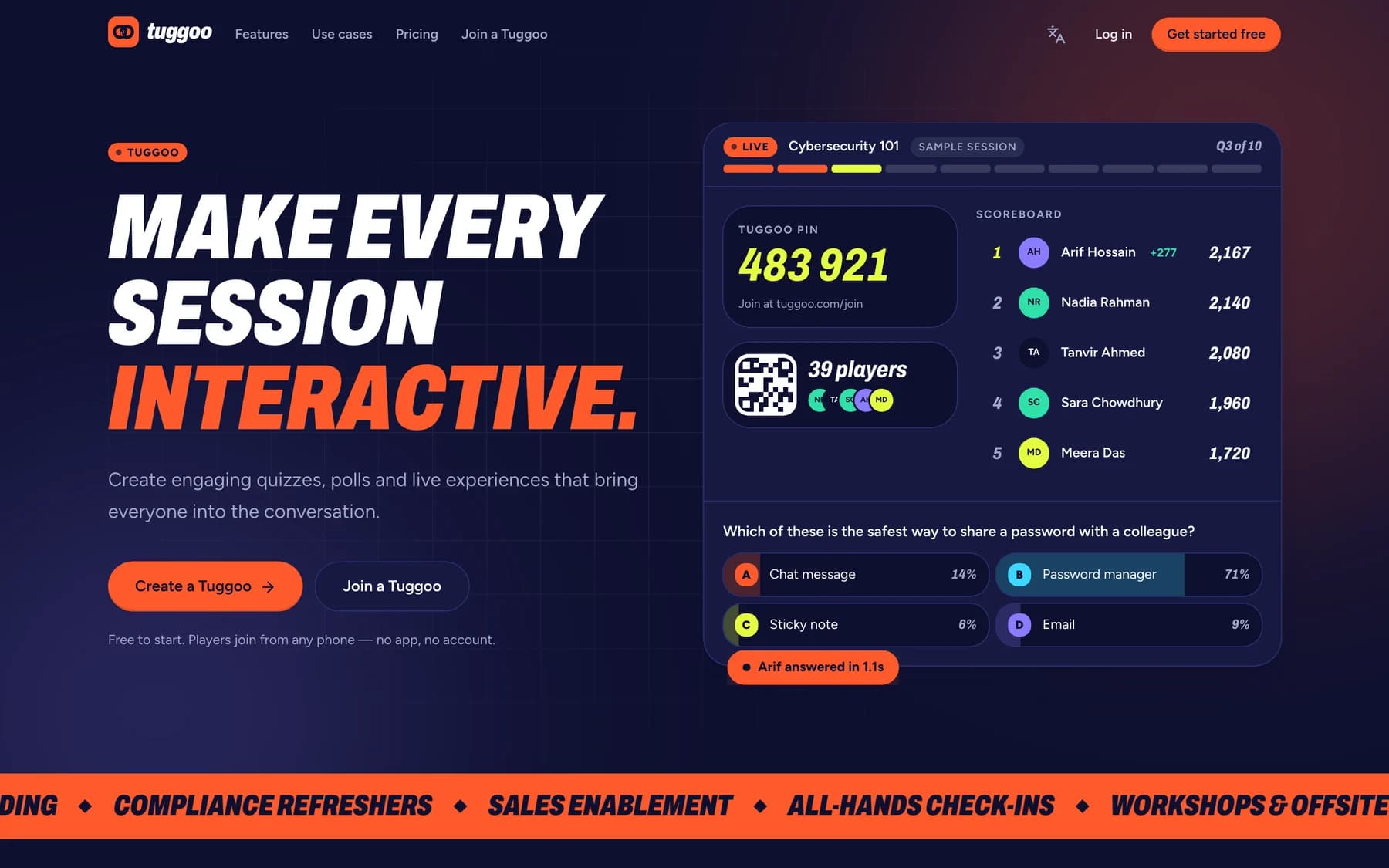
Tuggoo is a live quiz and engagement platform for the sessions companies already run — onboarding, compliance refreshers, sales enablement, all-hands. The host builds it in minutes; everyone else joins from their phone with a PIN.
Free to start. Players join from any phone — no app, no account.
- Question types, from quiz to word cloud
- 6
- Apps or accounts players need
- 0
- Interface languages — English and Bangla
- 2
- Minutes from blank page to a room playing
- 5
Question types, from quiz to word cloud
Apps or accounts players need
Interface languages — English and Bangla
Minutes from blank page to a room playing
From idea to a room full of players in minutes
Five steps, and only the first one happens before the session.
01
Create
Type a title and add questions, start from a template, or let AI draft them from a topic or a document. Everything autosaves.
02
Host
Put the lobby on the screen in the room or share it on a call. A PIN and a QR code appear.
03
Join
Players open the join page on their own phone, type the PIN, pick a name and character. No app, no account.
04
Play
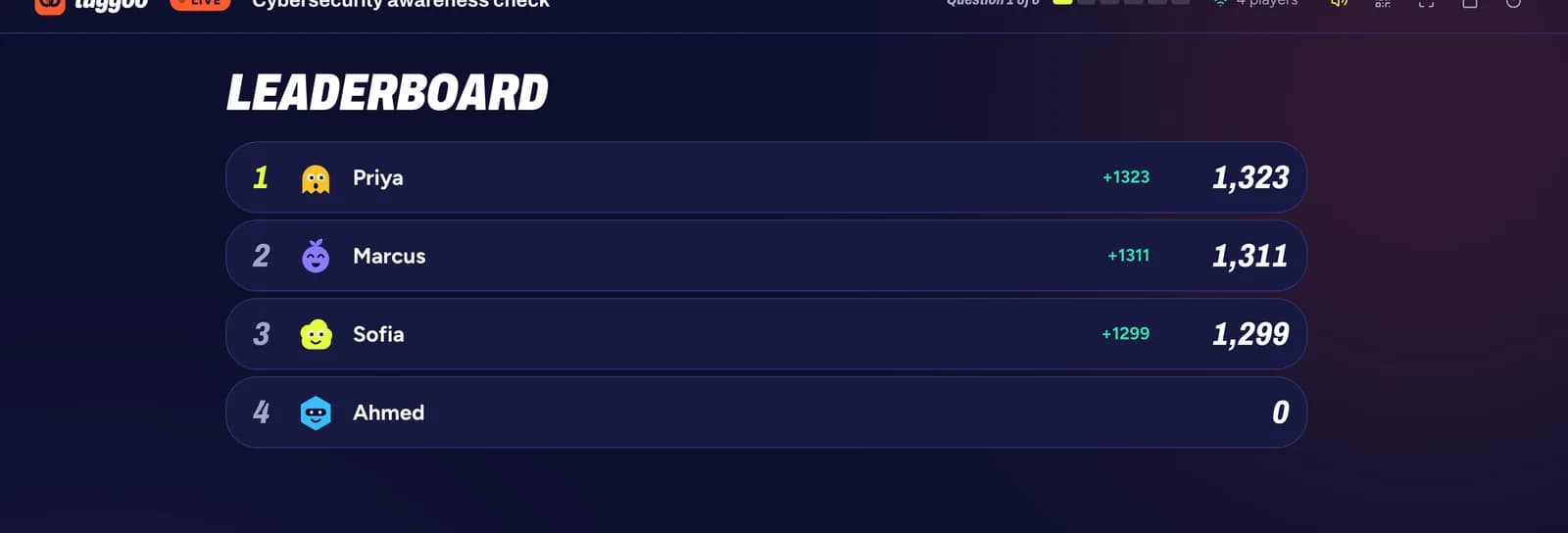
Server-timed questions with speed and streak bonuses, and a leaderboard the whole room watches between rounds.
05
Analyze
Accuracy, response time and the answer spread for every question and every player, kept after the session ends.
A quiz that feels like a show
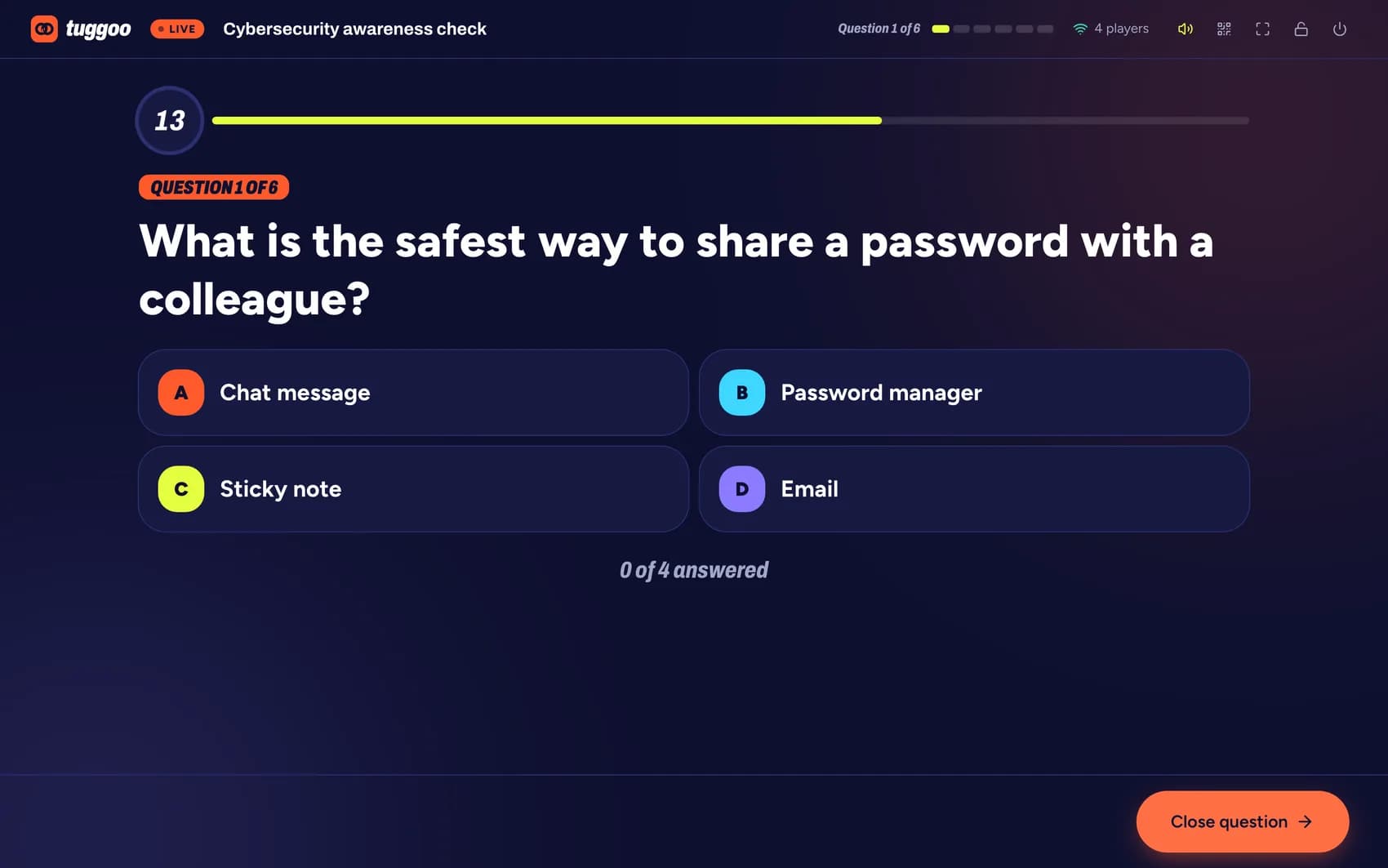
The big screen carries the room — the PIN, who has joined, the question, the timer and the leaderboard. Every phone is a buzzer.
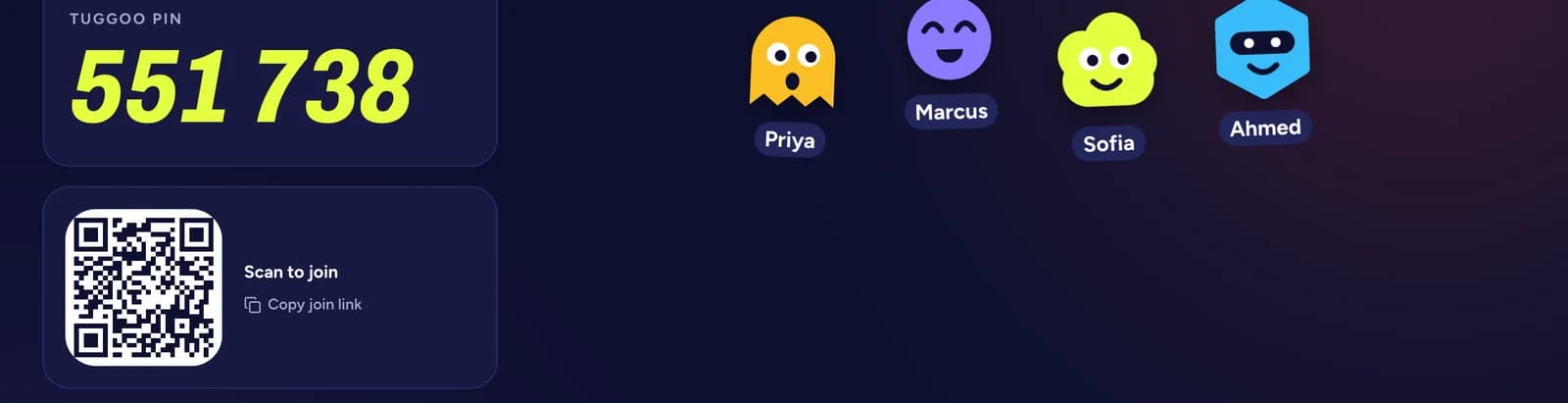
The lobby fills as people join — by PIN or by scanning the code.
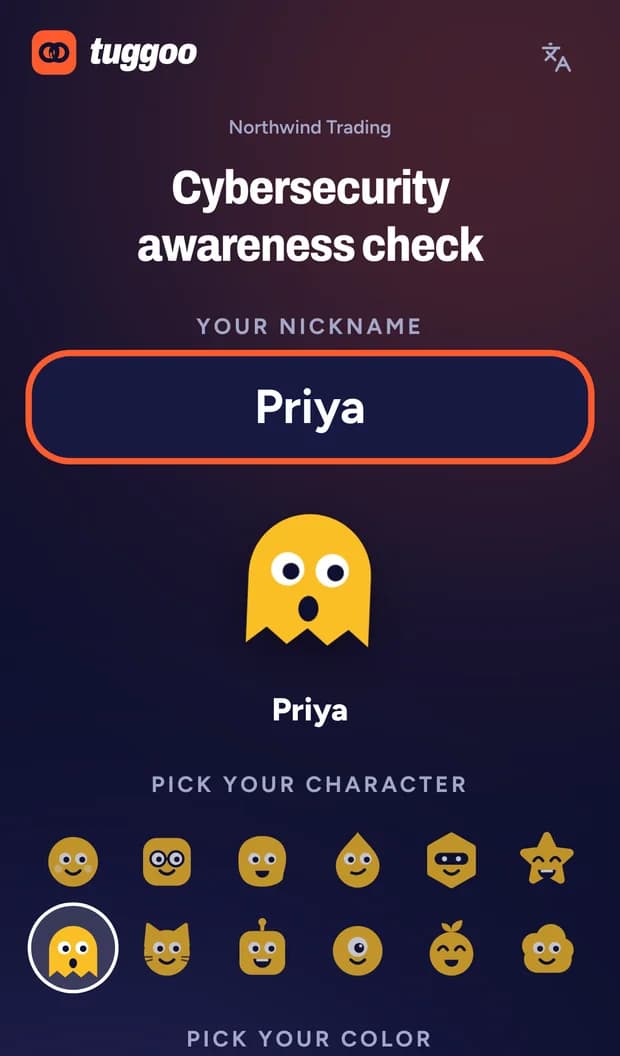
Pick a name and a character
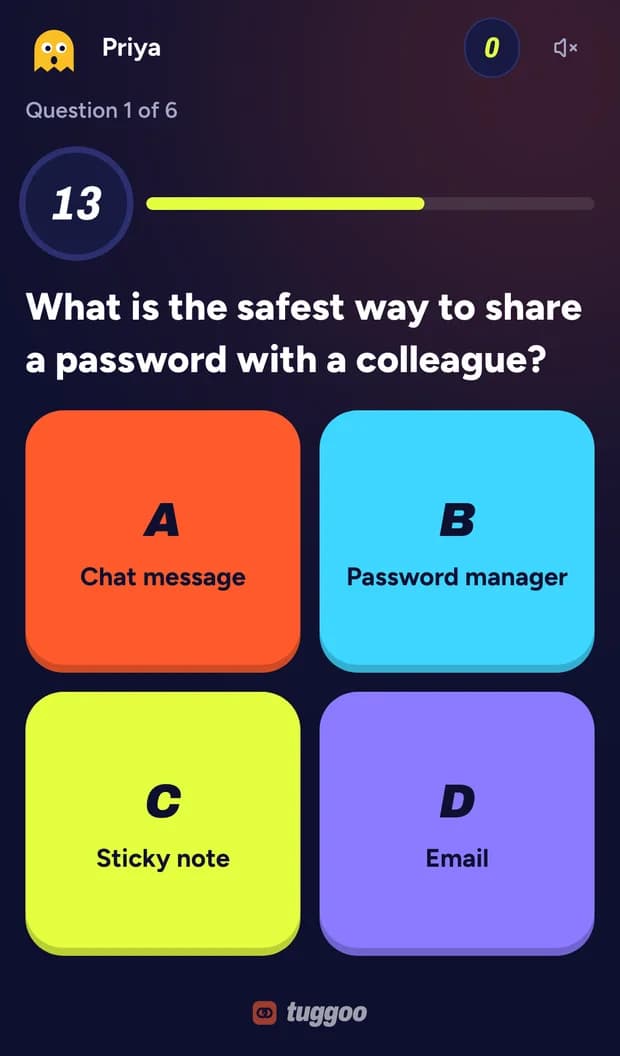
Answer on your own phone
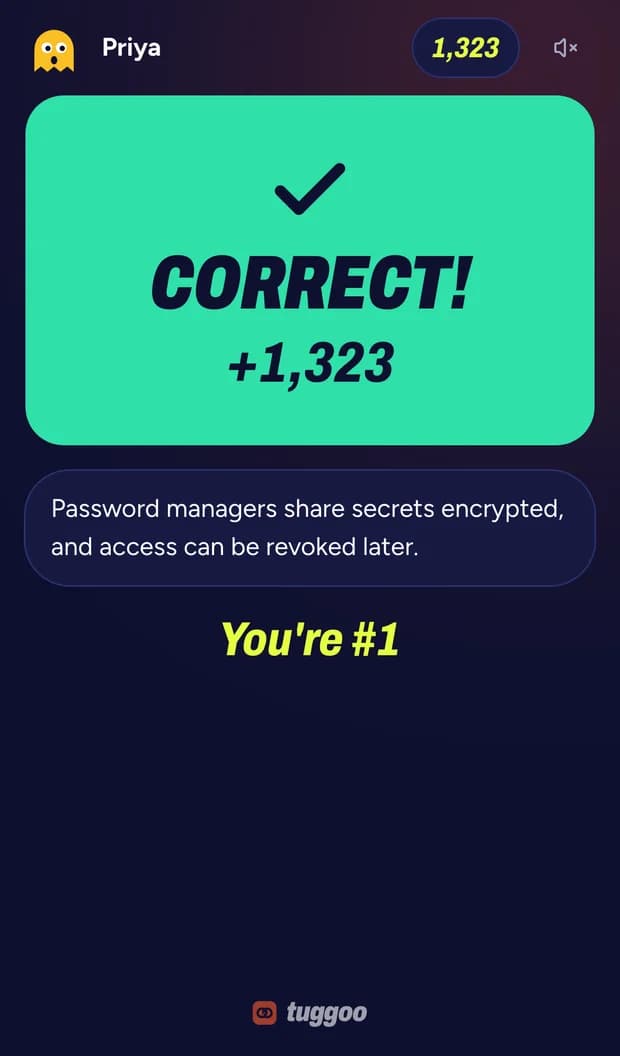
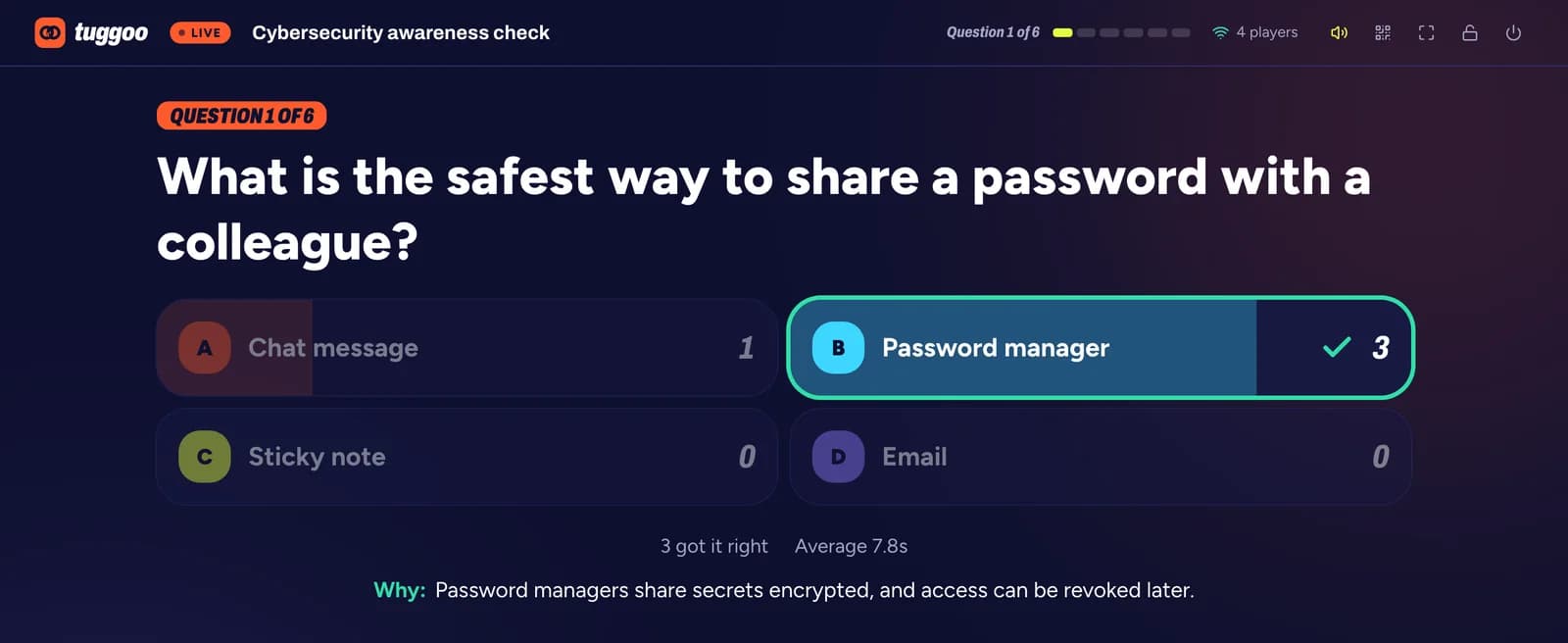
Right or wrong, and why
Screenshots are from a demo organization created for this page. Tuggoo has no customer data in them.
Three ways to fill a blank page
Most sessions are prepared minutes before they start, so none of these asks you to begin from nothing.
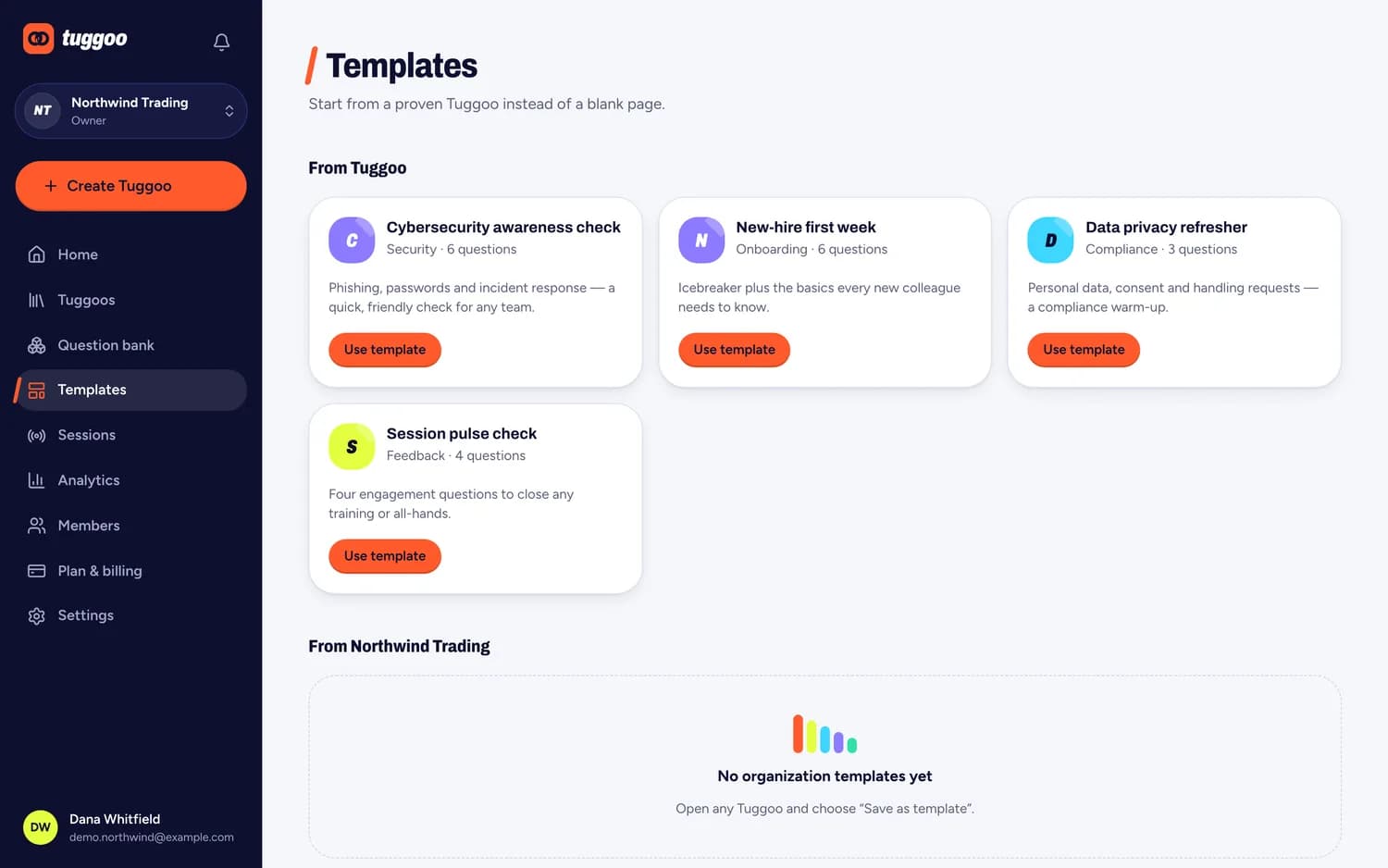
Start from a template
Ready-made sets for the sessions companies run most — a cybersecurity awareness check, a new-hire first week, a data privacy refresher.
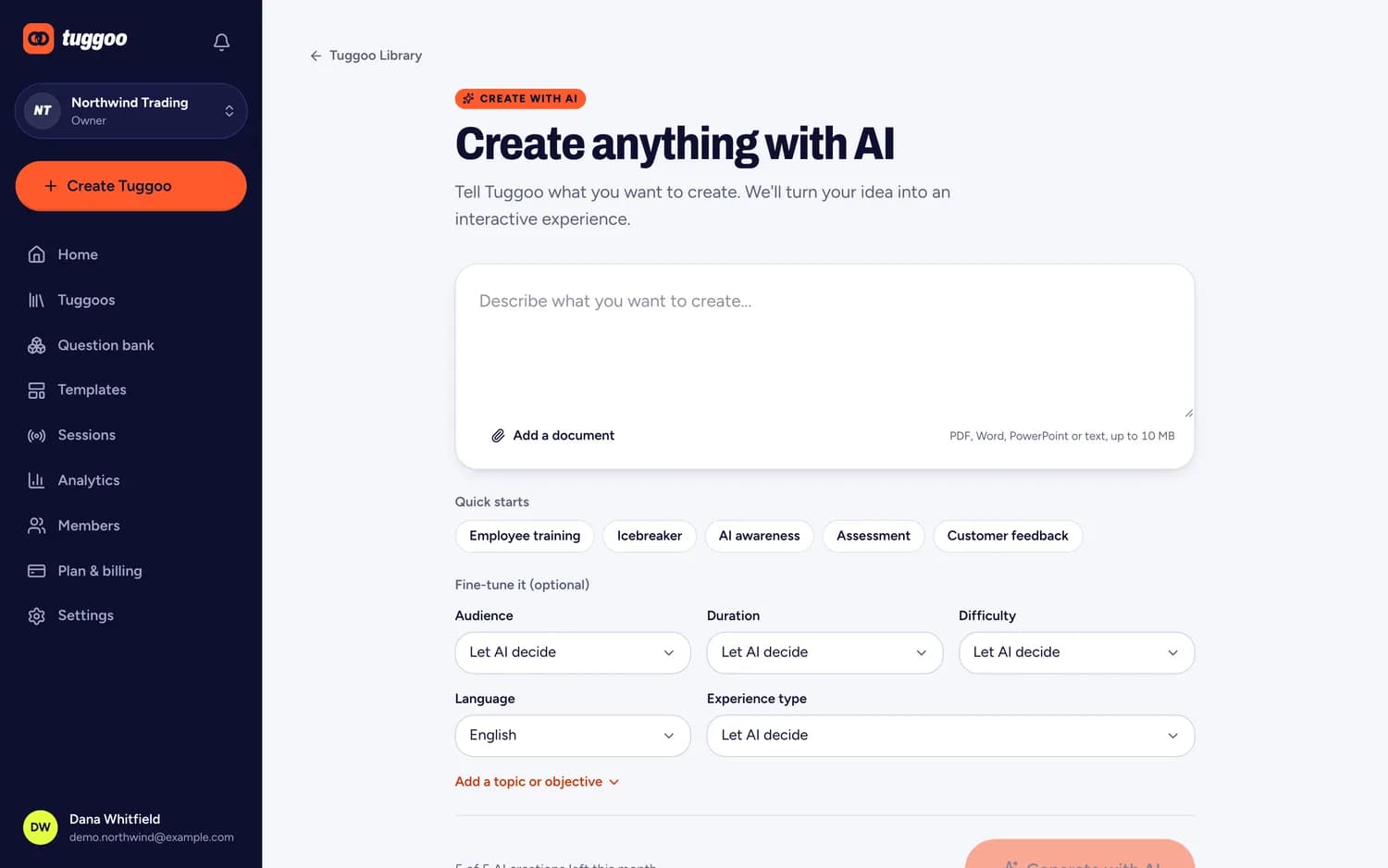
Let AI draft it
Describe a topic or upload a document and Tuggoo drafts questions and explanations. You review and edit everything before it runs.
Reuse your question bank
Keep questions your team has written once, tag them, and pull them into the next Tuggoo instead of starting from a blank page.
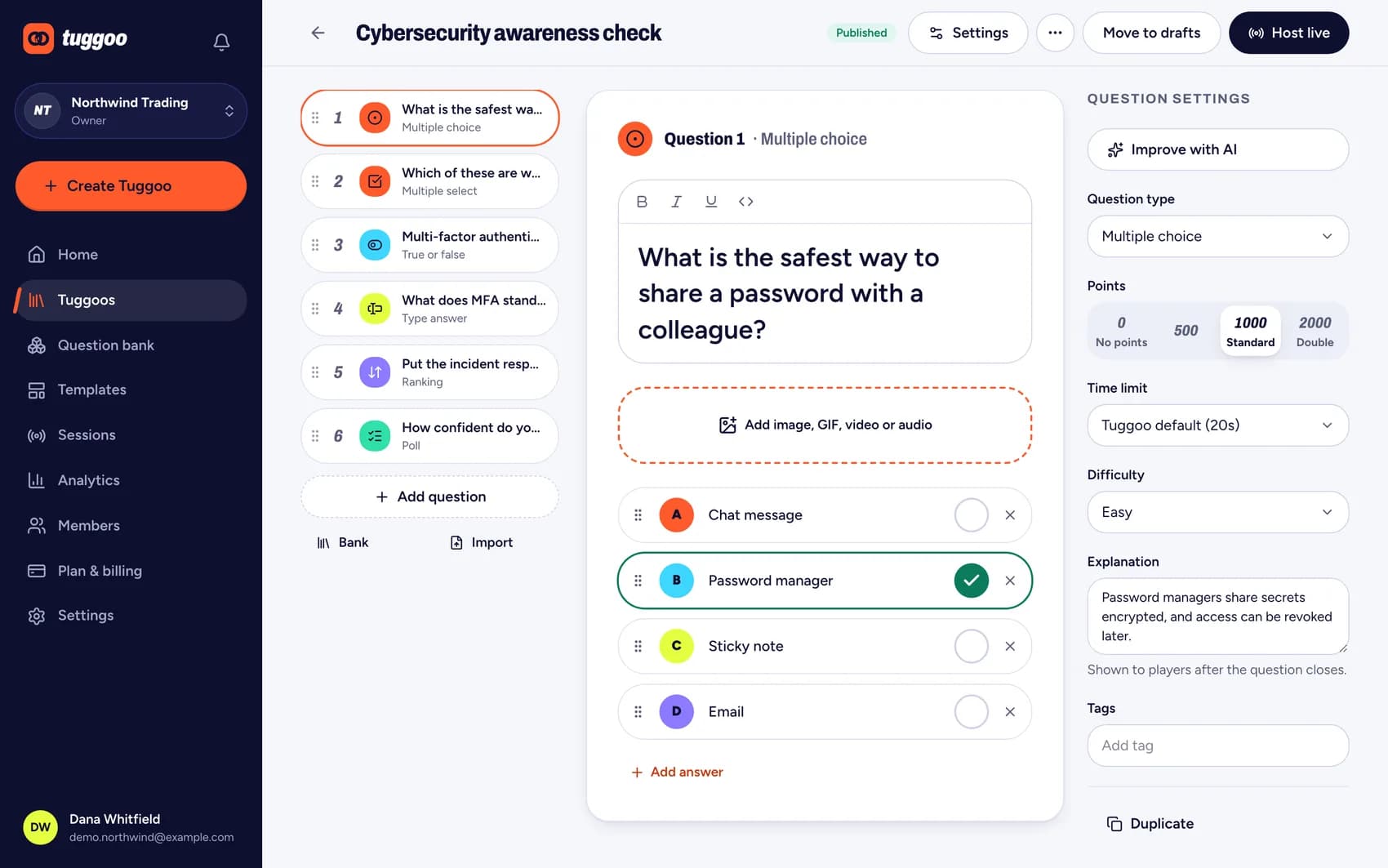
Six kinds of question
Not everything is a quiz. A poll or a word cloud checks the room's mood and opens a conversation without anyone being marked right or wrong.
- Multiple choiceOne right answer
- Multiple selectSeveral right answers
- True or falseThe quick one
- Type answerThey write it themselves
- RankingPut steps in order
- PollNo right answer at all
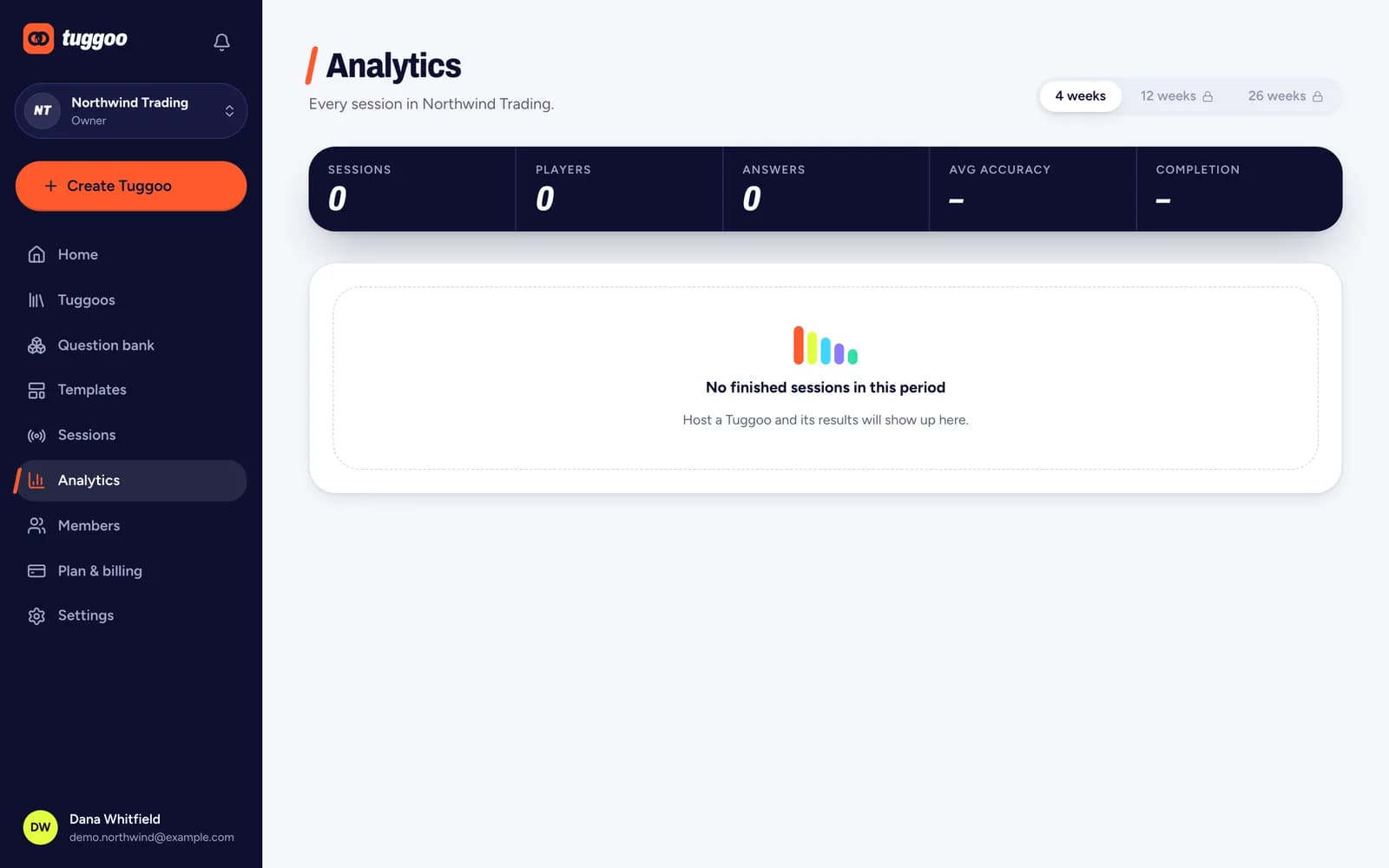
What the room actually understood
The session ends and the useful part begins: which question lost people, and who needs a second pass.
Accuracy by question
Question 3 is the one to revisit — most of the room missed it.
Accuracy per question
The question most of the room got wrong is the one worth explaining again.
Response time
How long people took, which separates confident answers from guesses.
Answer spread
Which wrong answer attracted people, not just how many missed it.
Kept afterwards
Session reports stay with the organization, so compliance sessions can be shown later.
Built for teams from the first day
Tuggoo was written as a multi-tenant platform rather than a single app with accounts bolted on, which is what makes the next four things ordinary rather than special.
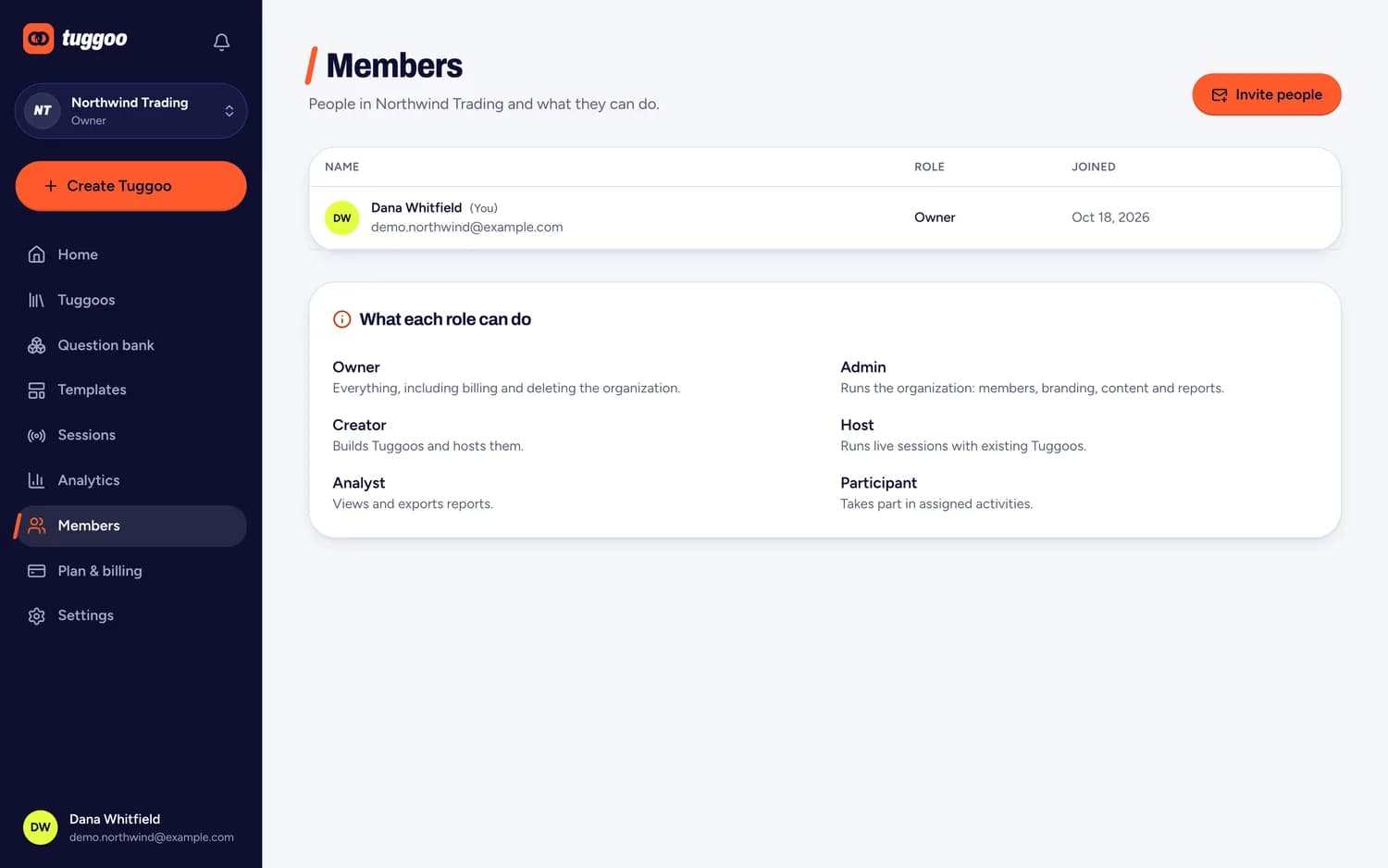
Six roles, so permission isn't all or nothing
- Owner
- Admin
- Creator
- Host
- Analyst
- Participant
Strict separation between organizations
Every Tuggoo, session and report belongs to one organization, and the server enforces that on every request — not the browser.
Your own branding
Name, colours and logo carry through to the lobby and the player screens, so a session looks like it came from you.
Audit logs
Who changed what, and when — kept per organization for the people who have to answer that question later.
More than one organization
Departments, regions or clients can each have their own, and you switch between them in a click.
Single sign-on and custom domains are on the roadmap, not shipped — the platform is built with them in mind.
Made for the moments teams learn together
The same live quiz, poll and word cloud tools, set up for the sessions you already run.
New-hire onboarding
Orientation days are long and mostly one-way. A few live questions turn them into a conversation and show you what actually landed.
Compliance training
Annual training is easy to click through. Questions that need an answer, and results you can show afterwards, change that.
Sales enablement
Sales teams like to win. Put product knowledge and objection handling on a leaderboard and the practice takes care of itself.
All-hands meetings
Large meetings tend to be a few people talking. Live polls and a quick quiz let the whole room take part, in the office or remote.
Workshops and offsites
Facilitating a long day is easier when the group has something to do. Short rounds of questions break up the talking.
Classrooms and lectures
A few questions in the middle of a lecture show who is following, so you can explain again before moving on.
One price for the whole organization
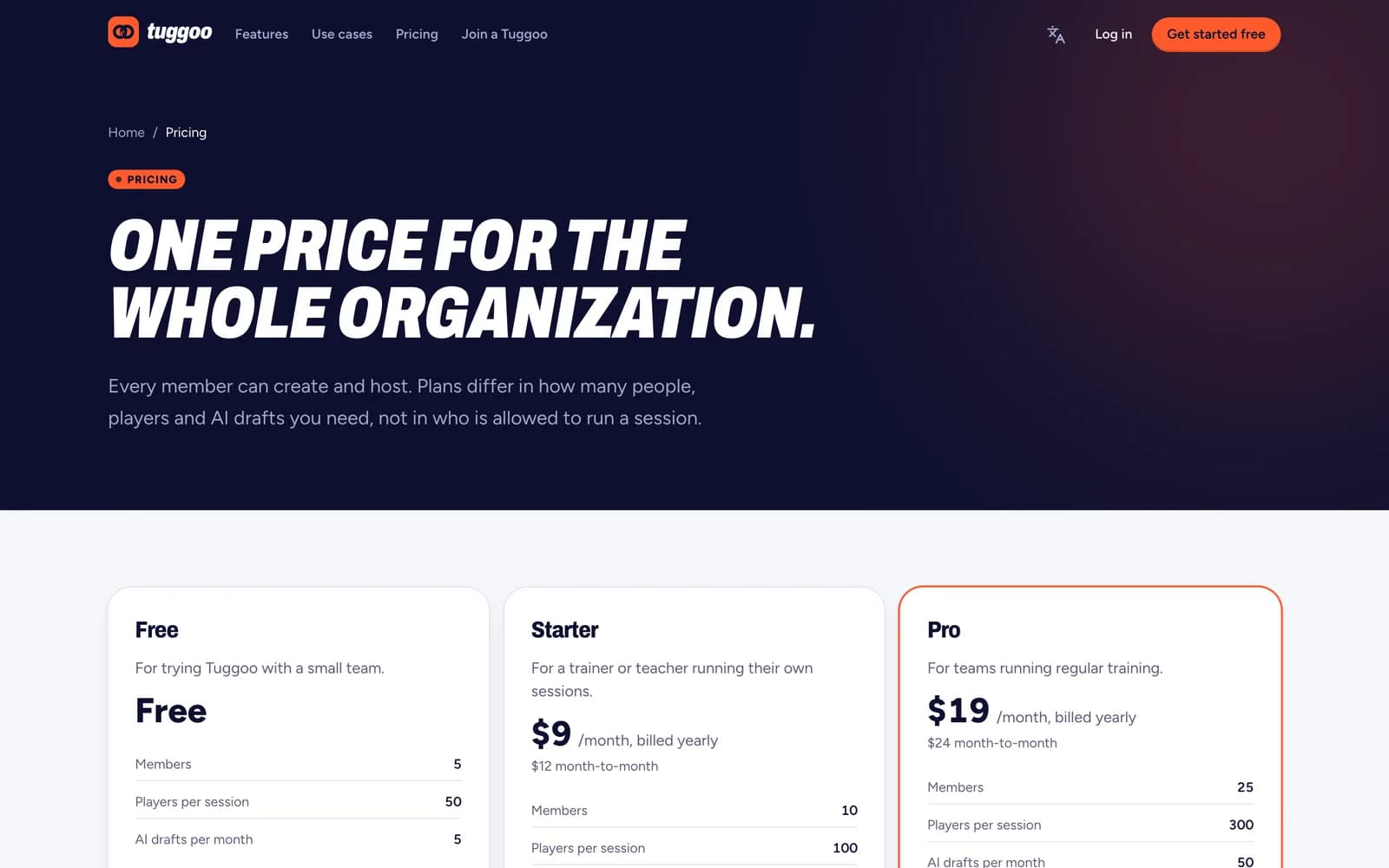
Every member can create and host. Plans differ in how many people, players and AI drafts you need — not in who is allowed to run a session.
Free
Free
Trying it with a small team
- 5 members
- 50 players
Starter
$9/mo, billed yearly
One trainer running their own sessions
- 10 members
- 100 players
Pro
Popular$19/mo, billed yearly
Teams running regular training
- 25 members
- 300 players
Team
$39/mo, billed yearly
Departments with several hosts
- 100 members
- 600 players
Business ($69, 250 members, 1,000 players) and a custom-priced Enterprise plan go further. Prices are per organization and shown as billed yearly; month-to-month costs more.
Start free, upgrade when the room outgrows it
New organizations begin on Free with no card. When a session needs more players or the team needs more seats, the owner upgrades from Plan & billing inside the app.
See full pricingYour next session starts here.
Create your first Tuggoo in five minutes.
Free to start, no card. Build it on a laptop, put the lobby on the screen, and let the room join from their phones.
Rolling it out across a company? verticalshifts@gmail.com